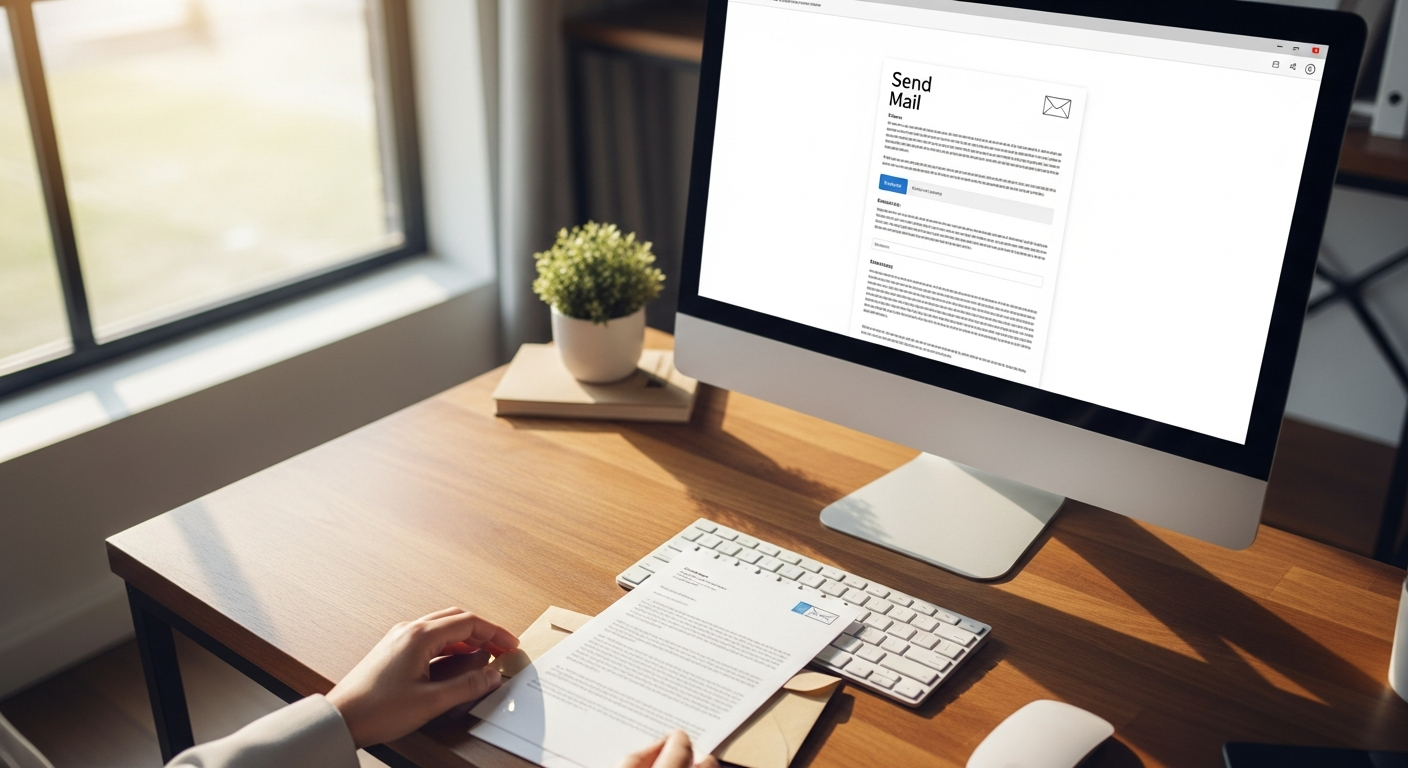
Most job applications go through an online portal and land in a pile with 200 others. A physical cover letter mailed directly to a hiring manager does something different — it arrives on a desk, gets touched, and gets read. That alone puts you ahead of applicants who never considered it.
This guide walks you through exactly how to send a physical cover letter with your resume: when it makes strategic sense, how to format the documents correctly, and how to mail them without owning a printer, envelopes, or stamps. There's also a section on sending to multiple employers at once if you're running a high-volume job search.
What You Need Before You Start
What you'll achieve: A professionally formatted, physically mailed cover letter and resume that reaches the right person at a target employer — sent entirely from your laptop if needed.
Before jumping into steps, have these ready:
- The hiring manager's name and direct mailing address (not just the company's general address)
- A finalized cover letter in a word processor or Google Doc
- Your resume as a PDF
- A WriteToMail account or similar online mailing service if you don't have a printer
One note on research: calling the company's front desk to get a specific name and address takes 3 minutes and dramatically improves deliverability. "Attn: Hiring Manager" works, but a real name works better.
Step 1: Decide If Mailing a Physical Cover Letter Makes Sense
Physical mail isn't the right move for every job application. Use it strategically.
Strong use cases:
- Applying to small or mid-size companies where the hiring manager reads mail personally
- Roles at traditional industries: law firms, architecture, finance, publishing, nonprofits
- Following up after submitting an online application to reinforce your candidacy
- Executive or senior-level positions where standing out matters more than speed
- Cold outreach to companies that haven't posted a job but that you want to work for
Skip it when:
- The job posting explicitly says "no unsolicited mail" or "online applications only"
- You're applying to a large corporation with a centralized HR department in a different city
- The application deadline is within 48 hours (mail takes 2-5 business days)
A 2023 survey by the National Association of Colleges and Employers (NACE) found that only 10.4% of employers still list a mailing address on job postings — which means the ones who do are signaling they welcome traditional correspondence. That's your green light.
The physical letter also works especially well as a follow-up tool. Send your online application, then mail a brief cover letter with your resume a day later. The hiring manager sees your name twice before they've even opened the portal. As a general principle, physical letters are harder to ignore than emails — they require a deliberate action to discard.
Step 2: Format Your Cover Letter Correctly for Print
A cover letter formatted for email looks different from one formatted for physical mail. The printed version follows a formal business letter format.
Standard Business Letter Format
[Your Full Name]
[Your Street Address]
[City, State ZIP]
[Your Email Address]
[Your Phone Number]
[Date — written out: March 16, 2026]

[Recipient's Full Name]
[Their Title]
[Company Name]
[Company Street Address]
[City, State ZIP]

Dear [Mr./Ms./Dr. Last Name],

[Body paragraphs — 3 to 4 short paragraphs]

Sincerely,

[Your Name]
Formatting specifics that matter:
- Font: Times New Roman or Garamond at 11-12pt. Arial or Calibri work too. Nothing decorative.
- Margins: 1 inch on all sides
- Length: One page maximum. 3-4 paragraphs. Aim for 250-350 words.
- File format: Export as PDF before mailing. This preserves your formatting exactly.
What Goes in the Body
The first paragraph states the role you're applying for and one compelling reason you're qualified. The second paragraph gives concrete evidence — a specific result, project, or experience. The third explains why this company specifically. The fourth (optional) is a brief close with a call to action.
Don't restate your resume. The letter exists to add context and personality that a resume can't convey.
Step 3: Format Your Resume for Physical Mailing
A few things change when your resume is being printed and mailed rather than read on a screen.
- Remove hyperlinks. They don't work on paper. If your portfolio URL is important, write it out as plain text.
- Check contrast. Light gray text looks fine on a monitor but fades badly when printed. Use black or near-black text only.
- No columns if possible. Multi-column resume formats sometimes print with alignment issues on certain printers.
- Keep it to one page if possible, two pages maximum. Physical mail draws attention — don't dilute it with a four-page resume.
Export the final version as a PDF. This is the file you'll upload if mailing through an online service, or print if mailing yourself.
Step 4: Assemble and Send the Physical Package
If You're Mailing It Yourself
You'll need:
- A 9×12 inch flat envelope (sometimes called a "catalog envelope") — this lets your documents lie flat instead of being folded
- A standard printer
- A first-class stamp or postage meter
Print your cover letter first, then your resume. Stack them with the cover letter on top. Don't staple — use a binder clip if you want to keep them together. Slide into the envelope flat. Write or print a label with the recipient's address and your return address.
USPS First-Class Mail typically delivers in 2-5 business days within the continental US.
If You Don't Have a Printer (The Easier Way)
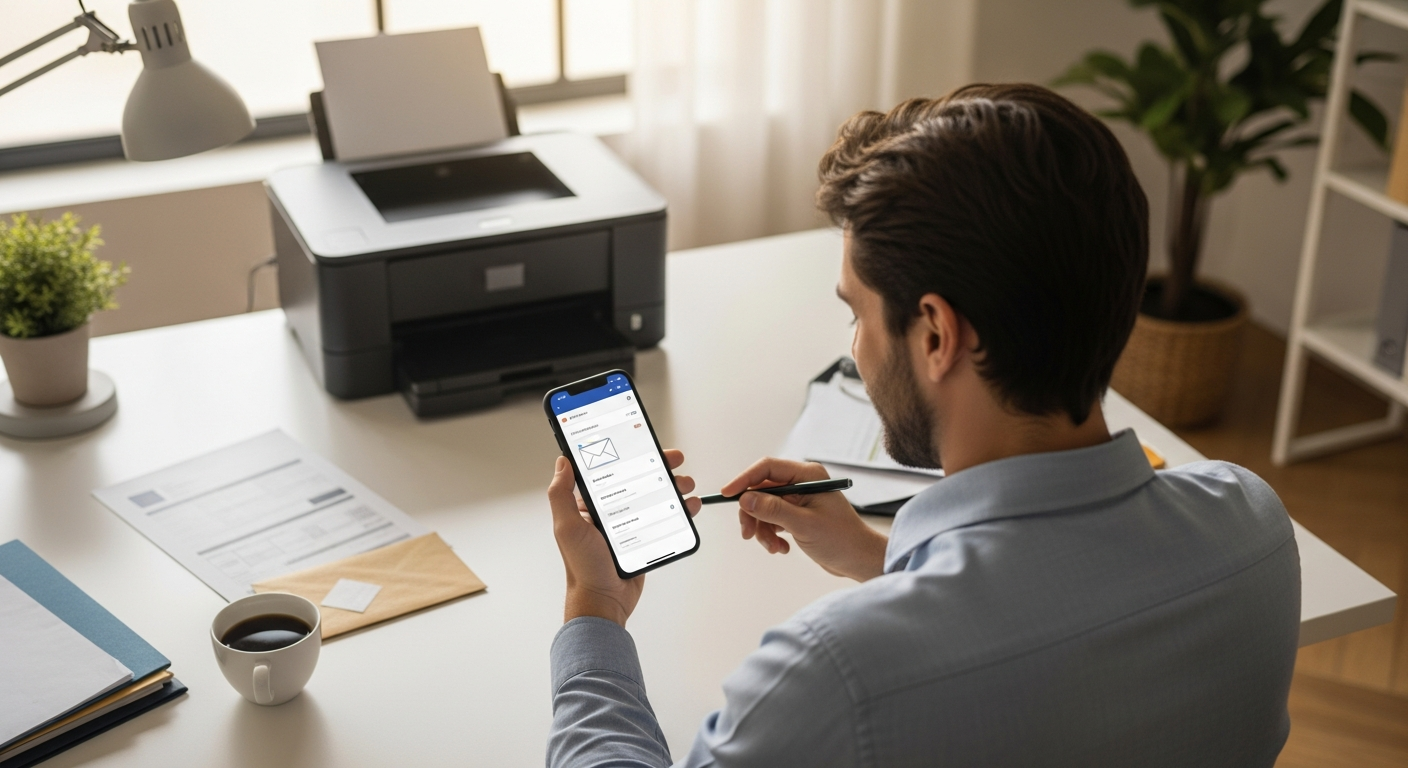
This is where most people get stuck. You wrote a great letter, but you don't own a printer, don't have stamps, and aren't interested in a trip to FedEx Office.
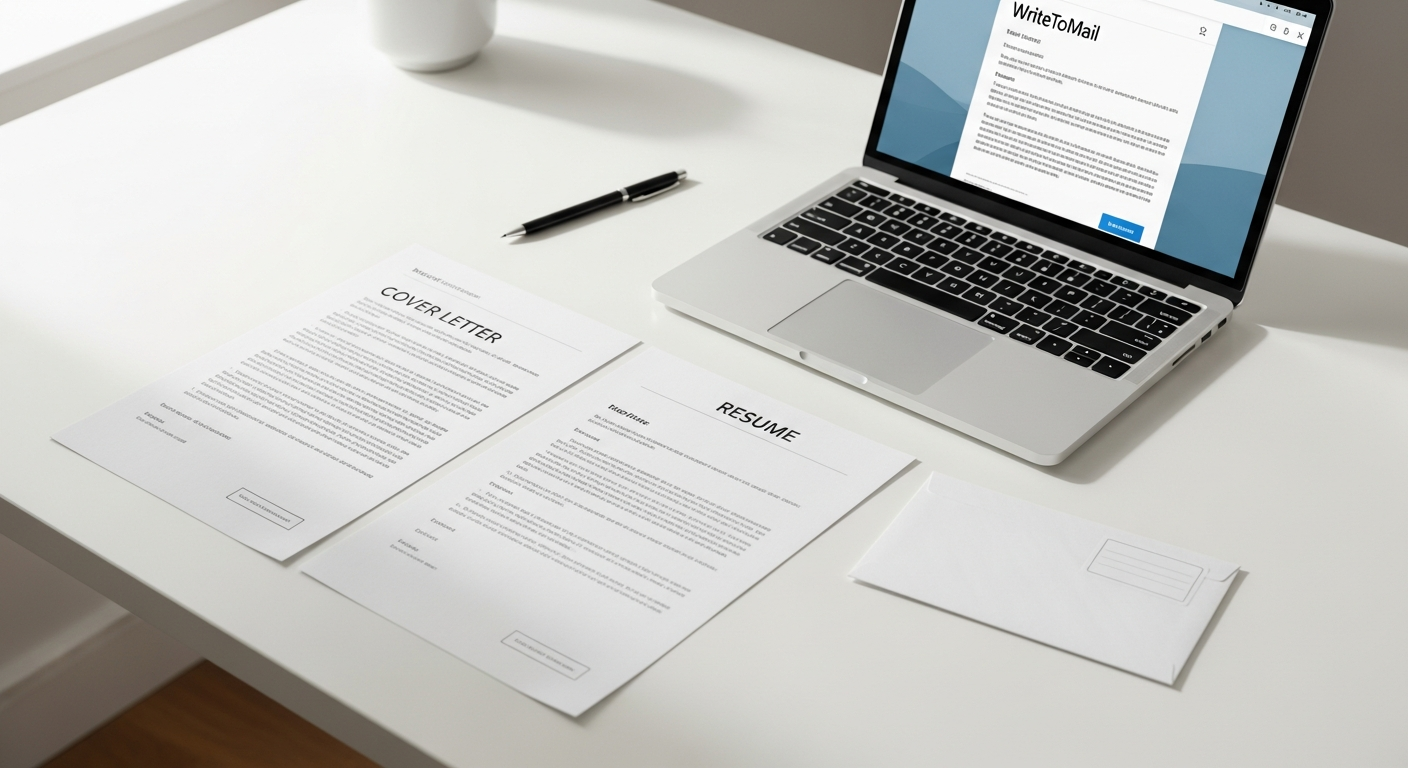
WriteToMail handles the entire physical process online. Upload your cover letter and resume as PDFs, enter the recipient's address, and the service prints, stuffs, and mails your documents via USPS — no account required, no monthly subscription. You pay per letter.
The turnaround is typically 1 business day before the letter enters USPS's stream. For a job application, that speed matters.
Step 5: Send to Multiple Employers at Once (Bulk Mailing)
Running a serious job search often means targeting 20, 30, or 50 employers simultaneously. Sending each letter individually — especially through a traditional printer-and-stamp process — becomes a part-time job.
The smarter approach: use a bulk mail tool with mail merge capability. You prepare a single cover letter template with variable fields (e.g., {{hiring_manager_name}}, {{company_name}}, {{role}}), upload a spreadsheet with each employer's details, and the system generates personalized letters for every recipient.
Sending bulk mail without going to the post office is now practical for individual job seekers, not just marketing departments. The same infrastructure that lets a landlord mail 300 rent notices lets you send 30 personalized cover letters to 30 hiring managers in a single session.
One important detail: even bulk-sent letters should feel individual. Use the hiring manager's actual name. Reference the specific role. A letter that opens with "Dear Hiring Manager at [Company]" signals a template; one that opens with "Dear Ms. Torres" signals effort.
Common Mistakes to Avoid
Sending to the wrong address. Company websites often list outdated addresses. Call to confirm the mailing address before sending anything.
Using a standard #10 envelope. Folding a resume into thirds looks unprofessional. Always use a flat 9×12 envelope for mailed applications.
Forgetting to include your contact info on the resume itself. If the letter and resume get separated on someone's desk, your resume should stand alone with all your details.
Mailing without following up. Send the physical letter, then follow up by email 5-7 business days later referencing the letter you sent. This creates a natural conversation opener: "I mailed a letter and resume to your attention last week regarding the [Role] position."
Mailing when the posting says 'apply online only.' This signals you don't follow instructions — the opposite of the impression you're trying to make.
Next Steps
If the job you're applying for requires any supporting documentation beyond a cover letter and resume — such as work samples, references, or a writing portfolio — you can include those in the same 9×12 envelope. Keep the total packet under 5 pages to avoid it feeling like a burden to read.
After mailing, track your outreach in a simple spreadsheet: company, hiring manager name, date mailed, follow-up date. This keeps your job search organized and prevents you from losing track of who you've contacted.
Physical mail is one of several contexts where a formal letter outperforms a digital touchpoint. If you're curious about the broader landscape of when written letters carry more weight than email, the article on situations where a physical letter beats email covers seven specific scenarios with concrete examples.
Knowing how to send a physical cover letter with your resume is a practical skill in 2026 — not a nostalgic one. The candidates who use every legitimate channel available to them are the ones who get interviews.
Sources
- National Association of Colleges and Employers (NACE) — Key Attributes Employers Want — Statistics on employer preferences and job posting practices cited in Step 1.
- USPS — First-Class Mail Delivery Standards — Delivery time estimates for First-Class Mail within the continental US.
- Purdue OWL — Business Letter Format — Standard business letter format guidance referenced in Step 2.
- Indeed Hiring Lab — Job Application Trends 2024 — Context on volume of online applications and competitive dynamics in the hiring market.
- CareerBuilder — Job Application Statistics — Data on average number of applications per open role, informing the strategic framing in Step 1.