
You have a letter that needs to go out. Maybe it's a formal complaint, a demand for payment, a legal notice, or just something that requires a physical signature and a real postmark. The problem? You don't have stamps. Your printer is dead. You're not about to drive to the post office and wait in line for twenty minutes.
The good news: you don't have to. The "mail a letter for me" workflow — where you handle everything online and a service handles the physical part — has matured significantly. There are now multiple legitimate options, ranging from purpose-built SaaS platforms to mobile apps to USPS's own online tools. They differ meaningfully on price, speed, features, and how much friction they actually remove.
This guide breaks down the five best options available right now, with honest assessments of what each one does well and where it falls short.
How These Options Were Selected
Each option was evaluated on four criteria: (1) whether it genuinely eliminates the printer-stamp-post-office requirement, (2) cost transparency, (3) the types of mail it supports, and (4) how fast a first-time user can go from draft to sent. Services that require complex setup, API integration, or enterprise contracts were noted but deprioritized for general consumers and small businesses.
1. WriteToMail — Best for Letters, Postcards, and Checks with Zero Setup
WriteToMail is built specifically for the "mail this for me" use case. You compose your letter online, customize the formatting, enter the recipient's address, pay, and the platform handles printing, postage, and USPS First-Class Mail delivery. No account required to get started. No printer. No stamps. No post office.
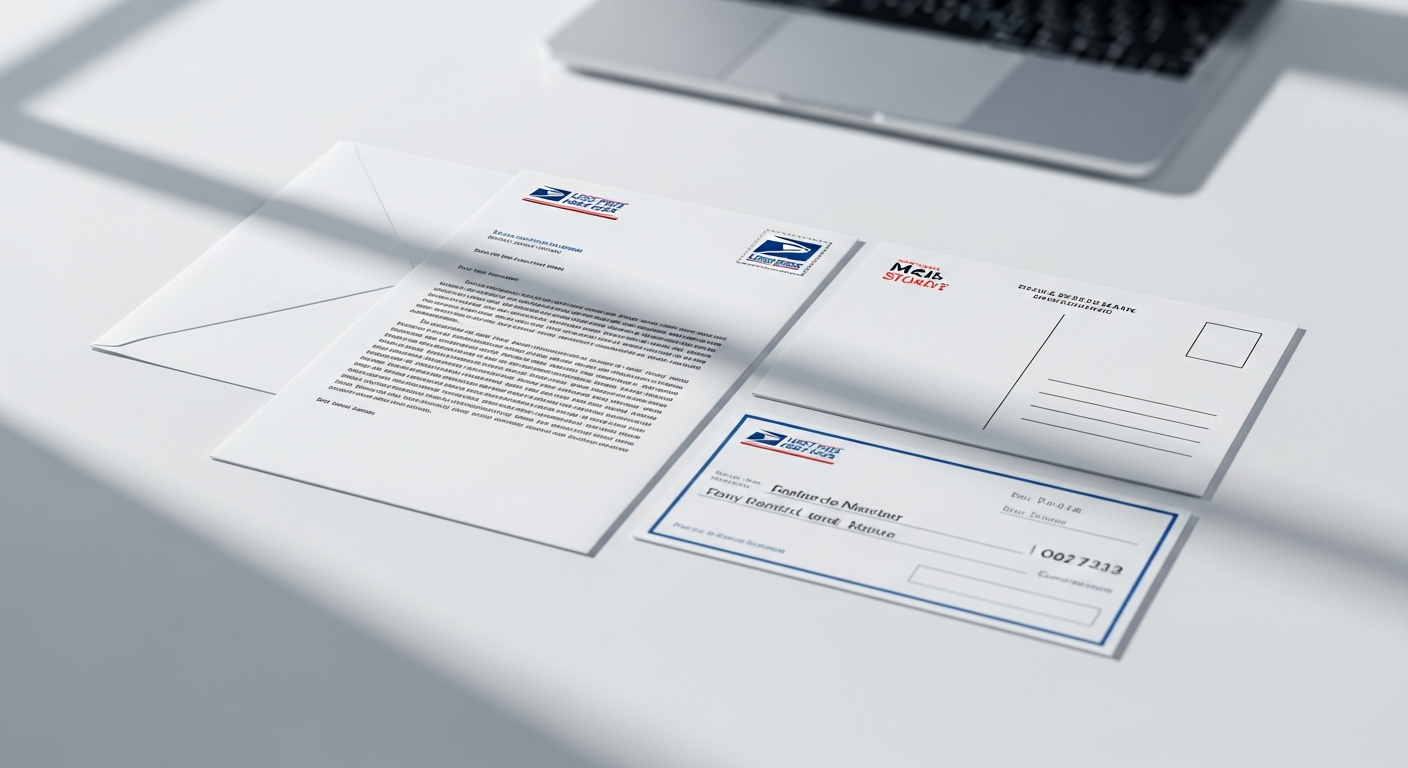
What makes WriteToMail stand out from generic alternatives is the depth of what it handles:
- AI-powered letter drafting — describe what you want to say, and the platform drafts it for you
- PDF upload and mail — if you've already written your letter in Word or Google Docs, you can upload and mail a PDF letter online without retyping anything
- Rich text editor — customize fonts, colors, and formatting like you would in a word processor
- Built-in templates — demand letters, cease and desist letters, cover letters, formal complaint letters
- Check sending — send a physical check by mail without a checkbook
- Bulk mailing via CSV — upload a spreadsheet and send personalized letters to thousands of recipients simultaneously
- SOC 2 compliant and HIPAA-compliant — relevant for healthcare and legal professionals
For individuals sending a one-off letter, the process takes under two minutes. For businesses or law firms sending dozens or hundreds of letters, the CSV bulk upload with variable data merge makes it a genuinely scalable tool — not just a convenience product.
Who it's best for: Individuals who need to send a formal letter fast, small businesses sending invoices or notices, law firms handling client correspondence at scale, and healthcare organizations that need HIPAA-compliant physical mail. See how it compares to enterprise alternatives in this WriteToMail vs PostGrid comparison.
2. USPS Click-N-Ship — Best for Packages, Limited for Letters
The United States Postal Service offers Click-N-Ship as its primary online mailing tool. It's legitimately useful for printing prepaid shipping labels and scheduling package pickups. For packages and Priority Mail, it works well.
For standard first-class letters, the picture is messier. Click-N-Ship doesn't let you compose and print the letter itself — it only handles postage labels. You still need to print the letter, fold it, stuff the envelope, and apply the label. That's not really the "mail it for me" experience most people are looking for.
USPS does offer a separate service called USPS Stamps where you can purchase postage online, but again — printing and physical handling remain your problem.
What it costs: Priority Mail starts around $9.35 for a small flat-rate envelope. First-Class letter postage is $0.73 per stamp when purchased online.
Who it's best for: People who need to ship packages with scheduled pickup, or who already have everything ready to mail and just want to skip the post office counter. It does not eliminate the printing requirement for letter senders.
3. Mailform — Best Simple Option for One-Off Document Mailing
Mailform occupies a middle-ground position in this space. You upload a PDF, enter the recipient's mailing address, pay, and Mailform prints and mails it for you via USPS. The workflow is genuinely simple — closer to WriteToMail's model than to USPS Click-N-Ship.
Pricing is usage-based and reasonably transparent, starting around $1.99 for a single-page letter depending on current rates. There's no subscription required.
Where Mailform is more limited: it lacks a letter composition interface. You can't write your letter inside the platform — you must upload a pre-written PDF. There are no built-in templates, no AI drafting, and no bulk mailing via CSV. For someone who already has a finished document and just needs it physically mailed, that's fine. For someone who still needs to write the letter, it adds a step.
Who it's best for: Users who have an already-written document saved as a PDF and want the simplest possible path to having it mailed. Not ideal for users who need to write from scratch or send in bulk.
4. Postalytics — Best for Marketing Mail and Automated Campaigns
Postalytics is primarily a direct mail automation platform aimed at marketing teams. It integrates with CRMs like HubSpot and Salesforce, supports triggered mail campaigns (e.g., automatically mailing a letter when a contact reaches a certain stage in a pipeline), and offers detailed delivery tracking.
For personal letters or one-off formal correspondence, it's overkill. The platform is designed for marketers running campaigns — not for someone who needs to mail a single demand letter or legal notice. Setup requires more configuration than the other options on this list, and pricing reflects its enterprise orientation.
That said, if your use case is marketing-driven — sending automated direct mail postcards or letters at scale as part of a CRM workflow — Postalytics has capabilities that WriteToMail and Mailform don't attempt to match.
What it costs: Postalytics uses a credit-based model. Pricing varies significantly by volume and plan tier; check their current pricing page for specifics.
Who it's best for: Marketing teams running automated direct mail campaigns integrated with CRM data. Not recommended for individuals, law firms, or anyone sending non-marketing correspondence.
5. Concierge and Virtual Assistant Services — Best for Complex or Sensitive Correspondence
Some tasks don't fit neatly into a SaaS workflow. If you need someone to handle physical mail that involves original documents — signed contracts, legal filings that require wet signatures, certified mail with return receipt — a human concierge or virtual assistant service might be necessary.
Companies like Fancy Hands, Time Etc, and similar virtual assistant platforms can handle mailing tasks on your behalf when given clear instructions. You'd typically scan or email the document, specify mailing requirements, and the assistant handles printing, packaging, and dropping it off at a USPS location.
This approach is slower and more expensive than any of the SaaS options above. A single mailing task through a VA service typically runs $5–$15 depending on the platform's pricing model, before the actual postage cost. Turnaround depends entirely on the assistant's schedule.
The bigger limitation: you're trusting a human assistant with potentially sensitive documents. For routine letters, this works fine. For legal correspondence, financial documents, or anything containing personal health information, a platform with documented SOC 2 or HIPAA compliance is a more defensible choice.
Who it's best for: One-off tasks involving original documents or special handling requirements that SaaS platforms can't accommodate. Most people sending standard letters will find this path slower and more expensive than necessary.
Comparing All 5 Options Side by Side
| Service | Compose Online | No Printer Needed | Bulk Mail | Templates | HIPAA/SOC 2 |
|---|---|---|---|---|---|
| WriteToMail | ✅ | ✅ | ✅ CSV | ✅ Multiple | ✅ Both |
| USPS Click-N-Ship | ❌ | ❌ | ❌ | ❌ | N/A |
| Mailform | ❌ (upload only) | ✅ | ❌ | ❌ | Not specified |
| Postalytics | ✅ | ✅ | ✅ CRM-driven | Limited | Not specified |
| VA/Concierge | Varies | Depends | ❌ | ❌ | Varies |
Key Takeaways
The no-printer, no-stamps, no-post-office workflow is real and works well. You don't need to own a printer or visit a post office to send a physical USPS letter in 2026. The technology exists and it's not expensive.
Match the tool to the task. If you need to write a letter from scratch and mail it today, WriteToMail handles the full workflow end-to-end. If you already have a PDF ready to go, Mailform is a simpler option. If you're a marketing team running campaigns, Postalytics fits better. USPS Click-N-Ship is best for packages, not letters.
Compliance matters for certain use cases. Healthcare organizations and law firms shouldn't casually pick any service. If your correspondence involves protected health information or sensitive legal matters, verify that the platform you're using is SOC 2 and HIPAA compliant. WriteToMail is — most competitors aren't explicit about it.
Bulk mailing changes the calculus. Sending one letter is trivially easy across most of these platforms. Sending 500 personalized letters is a different problem. Only WriteToMail and Postalytics handle true bulk personalization; if that's your need, start there.
Speed matters more than most people expect. For time-sensitive situations — a demand letter, a legal notice, a landlord-tenant notice — every hour matters. A platform where you can go from blank page to "letter submitted for mailing" in under two minutes isn't just convenient. It's practically useful when deadlines are real.
For anyone who needs to send a letter online without a printer, the full step-by-step process is covered in our beginner's guide. And if your use case involves sending checks alongside correspondence, the guide on how to mail a check online explains exactly how that works without a checkbook or bank visit.
Sources
- USPS Click-N-Ship — United States Postal Service — overview of USPS online shipping and postage label tools
- USPS Postage Prices — United States Postal Service — current First-Class Mail stamp and postage pricing
- Mailform — Online Document Mailing — service description and pricing structure for PDF upload-and-mail workflow
- Postalytics — Direct Mail Automation Platform — platform overview, CRM integrations, and pricing model
- Fancy Hands — Virtual Assistant Service — task pricing model and service scope for concierge mailing tasks
- WriteToMail — Online Letter Mailing Service — platform capabilities including AI drafting, PDF upload, bulk CSV mailing, HIPAA and SOC 2 compliance
- WriteToMail Pricing — current pricing tiers for letter, postcard, check, and bulk mailing services