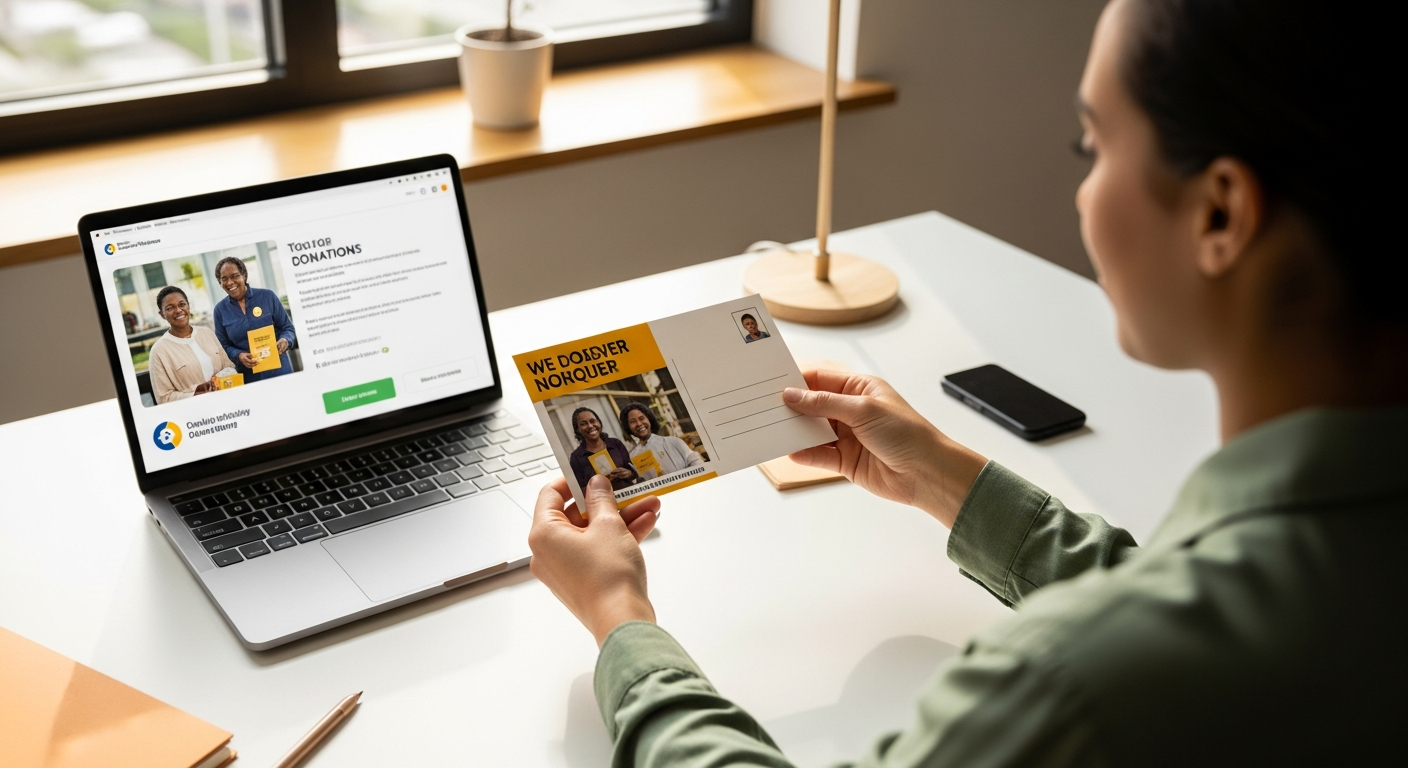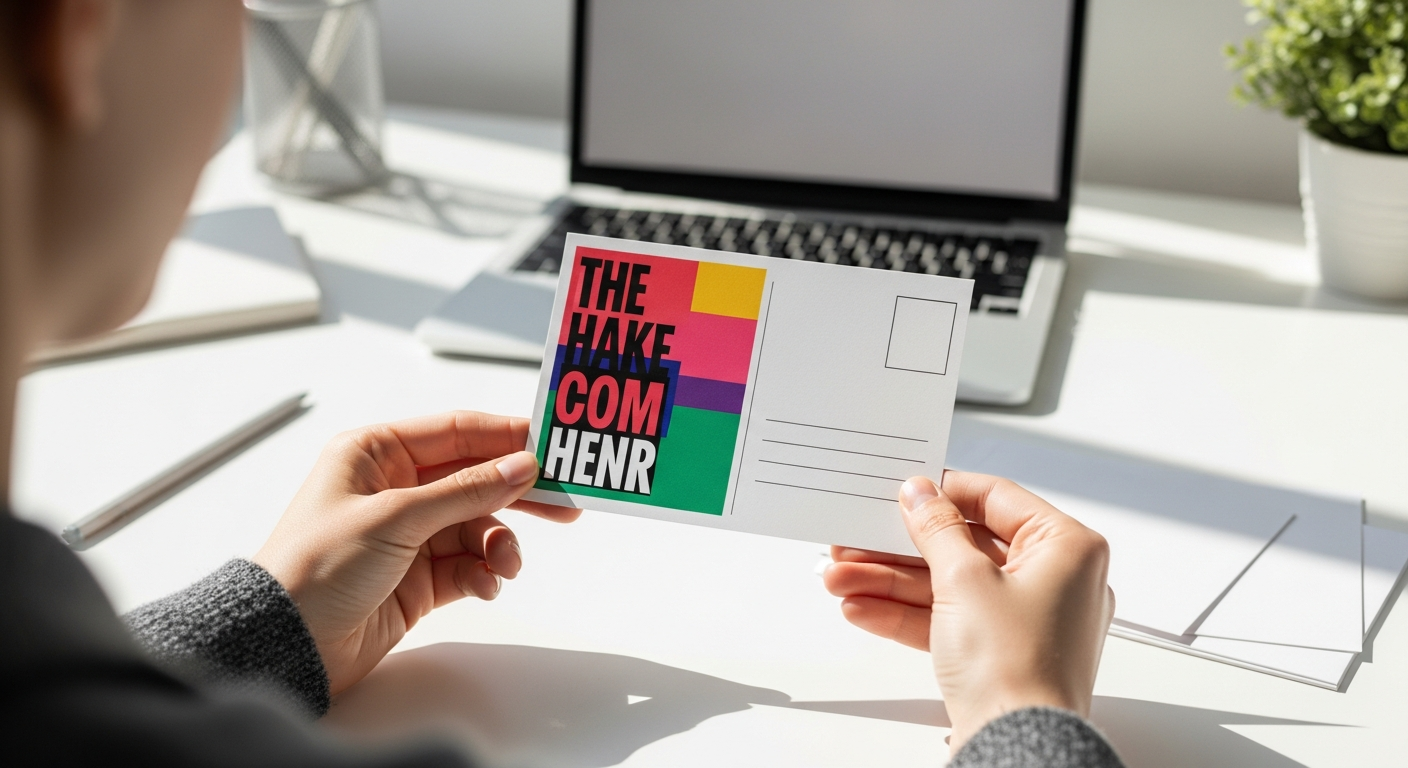
Sending a physical postcard used to mean a trip to the print shop, buying stamps, and standing in line at the post office. An online postcard mailing service eliminates all three steps — you design, address, and send a postcard entirely from your browser, and USPS delivers the physical card to your recipient's mailbox.
Whether you're sending a single thank-you card or launching a 5,000-piece marketing campaign, the process is the same. This guide covers everything you need to know.
Table of Contents
- What Is an Online Postcard Mailing Service?
- Why Physical Postcards Still Work in 2026
- Postcard Use Cases: Personal, Business, and Marketing
- How to Design a Postcard That Gets Noticed
- Sending Postcards in Bulk via CSV Upload
- Cost Comparison: Online Service vs. Traditional Methods
- How WriteToMail's Postcard Feature Works
- Frequently Asked Questions
- Sources
What Is an Online Postcard Mailing Service?
An online postcard mailing service is a web platform that handles the full print-and-mail workflow for physical postcards. You write the message, upload or design the artwork, enter the recipient's address, and the platform prints, stamps, and mails the card through USPS on your behalf.
No printer. No trip to Walgreens for stamps. No post office queue.
The category has grown significantly alongside the broader print-and-mail services market, which covers letters, postcards, and legal documents. These services handle every step between "I need to send something physical" and "it arrived in the mailbox."
Why Physical Postcards Still Work in 2026
Email open rates have declined for the sixth consecutive year in several B2C categories. Physical mail hasn't had that problem. According to the USPS Household Diary Study, Americans interact with household mail — meaning they read, sort, or respond to it — at a rate of roughly 90%, compared to email open rates that hover around 20–35% for most industries.
Postcards specifically have a structural advantage over letters: there's no envelope to open. The message is immediately visible the moment the recipient picks it up from the mailbox. That immediacy drives engagement in a way that sealed envelopes simply can't match.
The Data & Marketing Association has reported that direct mail postcards consistently generate response rates between 4–9%, compared to 1% or less for most digital display advertising. That gap has narrowed somewhat as digital has matured, but postcards remain a high-attention channel — especially for local businesses, real estate, nonprofits, and appointment-based services.
If you're weighing postcards against letters for a campaign, the format decision matters more than most marketers realize. The breakdown of postcard vs. letter direct mail performance data shows clear use-case winners for each format.
Postcard Use Cases: Personal, Business, and Marketing
Postcards work across a surprising range of contexts. Here's where they consistently deliver value:
Personal Greetings and Announcements
- Holiday cards sent to friends and family
- Birth announcements and wedding save-the-dates
- Thank-you cards for gifts or hospitality
- Postcards from travel sent to people back home
For personal use, the appeal is tactile. A physical card on someone's refrigerator has a permanence that a text message doesn't.
Small Business Marketing
- New business announcements to a neighborhood radius
- Seasonal promotions for local retail, restaurants, or salons
- Reminder cards for dental, medical, or HVAC appointments
- Customer re-engagement campaigns targeting lapsed buyers
Small businesses have found direct mail postcards particularly effective for local targeting, since you can geo-target by ZIP code or radius without needing anyone's email address. The direct mail marketing for small businesses landscape in 2026 is more accessible than ever — especially with bulk upload tools that remove the manual labor.
Real Estate
- Just-listed and just-sold announcements
- Market update cards for past clients
- Farming campaigns targeting specific neighborhoods
Real estate agents have used direct mail postcards for decades. Online tools make it easier to scale those campaigns without a dedicated print vendor.
Nonprofits and Event Invitations
- Fundraising appeals (postcards have lower production costs than full mailers)
- Event invitations for galas, open houses, or community events
- Donation acknowledgment cards
Property Management and Legal Notices
Landlords frequently use postcards for informal reminders — lease renewal prompts, maintenance notices, and community updates. For more formal legal notices requiring documented delivery, USPS First-Class Mail letters are the standard.
How to Design a Postcard That Gets Noticed
Most postcards fail at the design stage — not the printing stage. Here's what separates effective postcard design from forgettable ones.
Front Side: Make It Unmissable
The front of the card is prime visual real estate. You have roughly 1.5 seconds before the recipient decides whether to keep reading or toss the card.
Hierarchy matters more than aesthetics. The single most important piece of information should be the largest element on the card. If you're a dentist sending appointment reminders, "Your Cleaning Is Due" should dominate the front — not your logo.
Use high-contrast color combinations. Yellow on white is nearly invisible. Dark blue on white, or white reversed out of a deep color, reads instantly. The USPS recommends avoiding light backgrounds with light text for any mailing piece.
Limit your message. A postcard is not a brochure. The front side should communicate one idea. The back side — where the address and message live — should communicate one call to action.
Back Side: Address, Message, and One CTA
Standard postcard layout requirements from USPS specify:
- The right half of the back must contain the address and postage area
- The left half is your message area
- Keep a clear zone around the address block for automated sorting equipment
Your message copy should be concise. Three to five sentences maximum. Lead with the most compelling benefit, not your company history. End with a single, specific call to action: "Call us before May 30th for 20% off your first visit."
Design Specifications for Online Postcard Services
Most online postcard mailing services accept standard USPS postcard sizes:
| Size | Dimensions | Notes |
|---|---|---|
| Standard | 4" × 6" | Most affordable postage rate |
| Large | 5" × 7" | More design space, still cost-effective |
| Jumbo | 6" × 9" | Maximum visual impact, highest postage |
Resolution should be a minimum of 300 DPI for print. RGB color files should be converted to CMYK before uploading, though many online tools handle this conversion automatically.
Sending Postcards in Bulk via CSV Upload
Bulk postcard sending is where online services create the biggest operational advantage over traditional methods.
The manual alternative — designing cards, exporting them to a print vendor, creating individual address files, and coordinating pickup or drop-off — takes days. An online platform with CSV upload collapses that timeline to under an hour for most campaigns.
How CSV Bulk Upload Works
Prepare your recipient file. Your CSV should contain columns for first name, last name, address line 1, address line 2 (optional), city, state, and ZIP code. Additional columns can carry variable data for personalization.
Design your postcard template. Most platforms let you insert variable field placeholders —
{{FirstName}},{{CustomMessage}}— that automatically populate from your CSV.Map your columns. During the upload process, you assign CSV column headers to the corresponding fields in your template.
Preview and confirm. Good platforms let you preview individual records before sending, so you can catch formatting errors before they hit print.
Submit the campaign. The platform queues your cards for printing and mails them through USPS.
For a deeper walkthrough of CSV bulk mailing mechanics — including address formatting requirements and variable field syntax — the guide to sending bulk mail online without going to the post office covers the process in full.
Personalization at Scale
Personalized postcards consistently outperform generic ones. Research from Epsilon found that 80% of consumers are more likely to make a purchase when brands offer personalized experiences. Even something as simple as printing the recipient's name on the front of the card increases engagement.
Variable data fields let you go further — customizing the offer, referencing a previous purchase, or addressing the recipient's specific neighborhood. This is a standard feature on modern online postcard mailing services.
Cost Comparison: Online Service vs. Traditional Methods
Here's a realistic breakdown of what it costs to send 500 postcards through each channel:
Traditional Print Shop + Post Office
- Design: $100–$300 (freelancer or in-house time)
- Print (4×6, full color, both sides): $0.12–$0.25 per card = $60–$125
- USPS postage (First-Class): $0.51 per card (2026 rate) = $255
- Labor: Addressing, sorting, driving to post office — 3–5 hours
- Total estimated cost: $415–$680+ excluding your own time
Online Postcard Mailing Service
- Design: Built into the platform (no separate freelancer needed for basic designs)
- Per-card cost (printing + postage): Typically $0.65–$1.20 per card depending on size and platform
- Labor: 30–60 minutes for the full campaign setup
- Total estimated cost (500 cards): $325–$600
The cost-per-card on an online service looks higher when you see it next to raw print costs. But that number includes postage, fulfillment, and eliminates the hours of manual labor. For most businesses, the time savings alone justify the price differential.
How WriteToMail's Postcard Feature Works
WriteToMail is a SaaS platform that handles the complete print-and-mail workflow for postcards, letters, and checks — entirely online. You design your postcard, enter recipient addresses, and WriteToMail prints, stamps, and mails it through USPS. No printer. No stamps. No post office visit required.
Single Postcard Sends
For personal greetings or one-off business communications, you can create and mail a postcard in minutes. The process is:
- Navigate to the postcard feature
- Compose your message and customize the design
- Enter the recipient's mailing address
- Submit — WriteToMail handles everything else
Bulk Postcard Campaigns
For marketing campaigns or large-scale sends, WriteToMail supports bulk mailing via CSV upload. Upload your recipient spreadsheet, map your variable fields to template placeholders, and launch a campaign to thousands of addresses simultaneously. The platform supports personalized variable data, so each card can include the recipient's name or other custom fields pulled directly from your CSV file.
Compliance and Data Security
WriteToMail is SOC 2 compliant and offers HIPAA-compliant physical mail services — an important distinction for healthcare providers, insurance companies, or any organization handling protected health information through physical mail.
For businesses already using WriteToMail for letters — including law firms managing demand letters and legal notices — adding postcards to the workflow requires no new vendor relationships.
Frequently Asked Questions
How long does it take for a postcard to arrive after I send it online? Most online postcard mailing services process and mail cards within 1–2 business days. USPS First-Class Mail delivery typically takes 2–5 business days after that, depending on the destination.
What's the minimum quantity I can send through an online postcard service? Most platforms, including WriteToMail, support single-piece sends. You don't need to order in bulk to use the service.
Can I upload my own postcard design? Yes — most online services accept PDF or image uploads if you have an existing design. Some platforms also offer built-in design tools for creating postcards from scratch.
Is USPS First-Class Mail the right postage class for postcards? First-Class Mail is standard for most postcard sends and provides delivery tracking in some cases. Marketing Mail (formerly Standard Mail) is cheaper for large volumes but delivers slower and doesn't include return service.
How do I know my postcards were actually mailed? Reputable online postcard mailing services provide confirmation when your order is processed and sent to print. Some provide USPS tracking numbers or delivery confirmations depending on the postage option selected.
Can I send postcards to international addresses? Service availability varies by platform. WriteToMail focuses on USPS domestic mail delivery. Confirm international delivery options directly with any platform before submitting an international campaign.
What file format should I use for custom postcard designs? PDF is the most universally accepted format for print-ready files. Most platforms also accept JPEG and PNG at 300 DPI or higher. CMYK color mode is recommended for accurate color reproduction.
What to Do Next
If you're ready to send postcards without the friction of traditional methods, the path forward is straightforward:
For a single send — Create your postcard on WriteToMail, enter the recipient address, and submit. The whole process takes under 5 minutes.
For a bulk campaign — Prepare your CSV recipient file with name, address, and any variable data fields. Design your postcard template with matching placeholders. Upload and launch.
If you're comparing formats — Read the postcard vs. letter direct mail comparison before committing to a format for a marketing campaign. The right format depends on your message type, list size, and budget.
If you're scaling — Review WriteToMail's pricing page to understand per-piece costs at different volume tiers.
The gap between "wanting to send postcards" and "postcards in mailboxes" used to be measured in days. An online postcard mailing service collapses that to minutes.
Sources
- USPS Household Diary Study — Statistics on American household mail engagement rates cited in the "Why Physical Postcards Still Work" section
- Data & Marketing Association — Direct mail response rate benchmarks (4–9% for postcards vs. digital display)
- Epsilon Research — Personalization and Purchase Likelihood — Consumer personalization study showing 80% purchase likelihood increase with personalized experiences
- USPS Postcard Mailing Requirements — Standard postcard size dimensions, clear zone requirements, and back-side layout specifications
- USPS 2026 Postage Rates — First-Class Mail postage rates used in the cost comparison section