You need to send a physical letter. You don't have a printer. Maybe it broke. Maybe you never owned one. Either way, you're not stuck — there are more options available in 2026 than most people realize, and the fastest of them takes under 60 seconds from your phone.
This guide covers every method to send a letter without a printer, ranked roughly from fastest to most effort-intensive. You'll know exactly what each option requires, what it costs, and which one fits your situation.
What You'll Need Before You Start
No matter which method you choose, have these ready:
- The recipient's full mailing address (street, city, state, ZIP)
- Your return address
- The content of your letter — even a rough draft helps
- A payment method if using an online service or print shop
That's it. You don't need stamps, envelopes, or a trip to the post office for most of these options.
Step 1: Decide What Type of Letter You're Sending
This shapes everything that follows. A casual letter to a grandparent has different requirements than a formal demand letter to a contractor who owes you $4,000.
Ask yourself:
- Is this personal or formal? Formal letters — legal notices, complaints, demand letters — benefit from structured templates.
- Does it need to arrive fast? USPS First-Class Mail typically delivers in 1–5 business days.
- Do you have an existing document? If you've already written the letter in Word or Google Docs, you may just need to export it as a PDF and upload it.
- Are you sending to one person or many? Bulk sends require a different workflow entirely.
Expected outcome: You know whether you need a simple one-off letter, a formal template, or a bulk mailing solution.
Step 2: Use an Online Mail Service (Fastest Option)
This is the method most people don't know exists — and once they try it, they stop looking for alternatives.
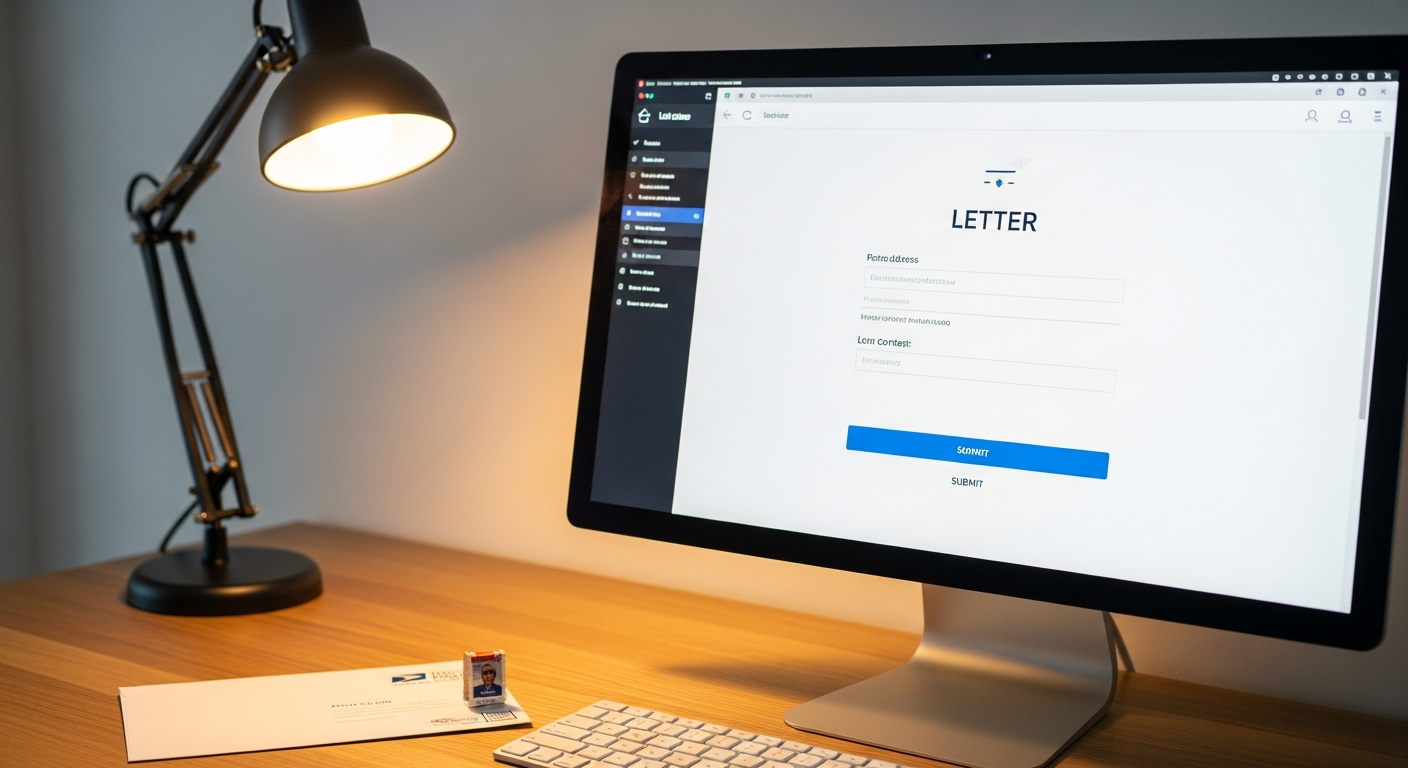
Online mail platforms like WriteToMail let you compose a letter, enter a mailing address, and have it physically printed, enveloped, stamped, and mailed via USPS First-Class Mail — entirely from your browser. No printer required. No post office visit. No stamps to buy.
Here's the basic workflow on WriteToMail:
- Go to writetomail.com — no lengthy sign-up required to get started
- Compose your letter — use the rich text editor to type and format your content, or use the AI drafting tool by describing what you want to say
- Customize formatting — adjust font, style, and color to match your needs
- Enter the recipient's address — full name, street, city, state, ZIP
- Review and submit — WriteToMail handles printing, postage, and USPS delivery
The AI drafting feature is worth highlighting separately. If you're staring at a blank page, you can describe your situation in plain language — "I need to ask my landlord to return my security deposit" — and the platform generates a formatted letter you can edit before sending. For more formal needs, there are templates for demand letters, cease and desist letters, cover letters, and formal complaints.
If you've already written your letter in Word or Google Docs, skip the editor entirely. Export your document as a PDF and use WriteToMail's PDF upload feature to have it uploaded and mailed as a physical letter without any re-typing.
Expected outcome: Your letter is submitted and queued for USPS mailing in under 60 seconds. You receive confirmation, and the letter goes out via First-Class Mail.
Cost estimate: Varies by plan and volume. Check WriteToMail's current pricing for exact rates.
Step 3: Upload an Existing PDF (If You Already Have a Draft)
A lot of people skip this option because they don't know it exists: if your letter is already written, you don't need to retype anything.
Export your document as a PDF from Word, Google Docs, Pages, or any text editor. Then upload it directly to WriteToMail's PDF upload workflow. The platform prints your document exactly as formatted and mails it to your specified recipient.
This is the fastest path when:
- You have a legal document or letter already prepared
- A lawyer or someone else wrote the letter and sent it to you
- You're mailing the same document to multiple people
The complete walkthrough for this process — including formatting requirements — is covered in the guide on how to upload and mail a PDF letter online.
Expected outcome: Your pre-written document is physically mailed without any reformatting or re-entry of content.
Step 4: Print at a Public Library (Free or Low Cost)
If you'd rather print the letter yourself and handle the mailing, public libraries are the most accessible option. Most U.S. public libraries offer public computer terminals and printing for $0.10–$0.25 per page.
Steps:
- Draft your letter in Google Docs or email it to yourself
- Log in to a library computer or connect via their guest Wi-Fi with your laptop
- Print the letter
- Purchase stamps at the library desk (many branches sell them) or a nearby post office
- Mail from the post office or a blue USPS collection box
Time required: 30–60 minutes, depending on wait times and proximity to a mailbox.
Best for: People who prefer handling the physical letter themselves, or who need to send something sensitive and prefer not to use a digital service.
Limitation: You'll need to know where a USPS mailbox or post office is located. You'll also need an envelope and stamps if the library doesn't sell them.
Step 5: Use FedEx Office or UPS Store for Printing
FedEx Office (formerly Kinko's) and The UPS Store locations offer walk-in printing from USB drives, email, cloud storage, or their in-store computers. Both chains have hundreds of locations across the U.S.
Steps:
- Save your letter as a PDF or Word document
- Visit the nearest FedEx Office or UPS Store
- Use their self-service printing station or ask staff to print it for you
- Buy an envelope and stamp on-site — many locations sell them
- Drop the letter in a nearby USPS collection box or ask if they'll handle mailing
Cost estimate: Black-and-white printing typically runs $0.13–$0.19 per page at FedEx Office. Envelopes and stamps add another $0.80–$1.50 depending on size and weight.
Time required: 20–45 minutes, not counting travel.
Best for: People who are already out running errands, or who need to print multiple pages quickly and have a nearby location.
Step 6: Ask Someone with a Printer (The Obvious Backup)
This option gets overlooked because it feels too simple. If you have a coworker, neighbor, family member, or friend with a printer, asking them takes 5 minutes and costs nothing.
Send them your letter document via email or Google Docs. They print it. You pick it up, add a stamp, and mail it.
The only constraint: you'll need stamps and an envelope, both of which you can buy at any grocery store, pharmacy, or USPS location.
Step 7: Send Bulk Mail Without a Printer (For Businesses)
If you're not sending one letter but hundreds or thousands, the printer problem becomes even more obvious — and online platforms solve it completely.
WriteToMail supports bulk mailing via CSV upload. You upload a spreadsheet with recipient names, addresses, and any variable fields like "Amount Due" or "Account Number." The platform maps your CSV columns to letter placeholders, personalizes each letter, and mails them all via USPS First-Class Mail.
This is the workflow used by accounts receivable teams, property managers, law firms, and collections departments. The full breakdown of how this works — including address formatting requirements — is covered in the guide on how to send bulk mail online without going to the post office.
Expected outcome: Hundreds of personalized physical letters mailed without a single sheet going through your own printer.
Common Mistakes to Avoid
Mistake 1: Forgetting the return address USPS requires a return address for First-Class Mail. Online services handle this for you. If you're printing yourself, don't skip it.
Mistake 2: Using the wrong paper size or format for legal documents Formal letters — demand letters, cease and desist notices, legal complaints — need to follow specific formatting conventions to be taken seriously. Using a template built for that purpose matters. WriteToMail offers purpose-built templates for each of these scenarios.
Mistake 3: Assuming email is equivalent to physical mail for legal purposes Many legal notices — landlord-tenant disputes, demand letters, formal complaints — carry more weight and meet statutory requirements when sent by physical USPS mail. Email doesn't create the same paper trail or legal presumption of delivery. If your letter matters legally, send it physically.
Mistake 4: Waiting until the last minute and choosing the slowest option If your letter needs to arrive by a specific date, plan backward from that date using USPS delivery estimates. USPS First-Class Mail delivers in approximately 1–5 business days, but that varies by distance. Online platforms get your letter into the mail stream the same day you submit it.
Mistake 5: Re-typing a letter you already have If you have the document, export it as a PDF and upload it. There's no reason to retype content you've already written.
Troubleshooting
"I don't know how to format a formal letter." Use a template. WriteToMail has pre-built templates for demand letters, cease and desist letters, cover letters, and formal complaints — all formatted correctly and ready to customize.
"I'm not sure if my PDF will print correctly." Standard 8.5" × 11" PDFs with 1-inch margins work in every online mail platform. Avoid text that runs to the edge of the page.
"I need to send a payment, not just a letter." Physical checks are still required in many contexts — vendor payments, legal settlements, landlord deposits. WriteToMail also handles mailing a check online without a checkbook or printer, which most people don't know is an option.
"I need the recipient to confirm they received it." For legally sensitive correspondence, USPS Certified Mail with return receipt provides delivery confirmation. Check WriteToMail's current mailing options or consult the USPS website for certified mail requirements.
Which Method Should You Choose?
| Method | Time Required | Cost | Best For |
|---|---|---|---|
| Online mail service (WriteToMail) | Under 60 seconds | Low per-piece rate | Anyone — fastest option |
| PDF upload and mail | 2–5 minutes | Low per-piece rate | Already-written documents |
| Public library | 30–60 min | $0.10–$0.50 + stamp | Budget-conscious, hands-on |
| FedEx Office / UPS Store | 20–45 min + travel | $0.50–$2.00 + stamp | On-the-go, multiple pages |
| Friend with a printer | 5–15 min + travel | Free + stamp | Casual, low-stakes letters |
| Online bulk mail | Under 10 min setup | Scales with volume | Businesses, law firms |
Next Steps
If speed and simplicity are your priorities, start with WriteToMail. Draft your letter, enter the address, and it's in the mail — without touching a printer or driving anywhere.
If you're sending something legally significant — a demand for payment, a formal complaint, or a landlord-tenant notice — use a structured template and send it via physical USPS mail. Online platforms make that just as fast as sending a casual note.
For anyone managing bulk correspondence, the comparison of the best online physical mail services in 2026 breaks down which platforms handle volume, legal templates, and compliance requirements — so you can choose the right fit before committing.
Physical mail still matters. You just don't need a printer to send it.
Sources
- USPS - First-Class Mail — Delivery timeframes and postage requirements for USPS First-Class Mail
- FedEx Office - Print and Business Services — Self-service and assisted printing options and pricing at FedEx Office locations
- American Library Association - Libraries and Public Access to the Internet — Data on public library computer and printing access across the U.S.
- USPS - Certified Mail — How USPS Certified Mail works, including return receipt and delivery confirmation options
- USPS - Return Address Requirements — Official USPS Domestic Mail Manual guidance on return address requirements for First-Class Mail